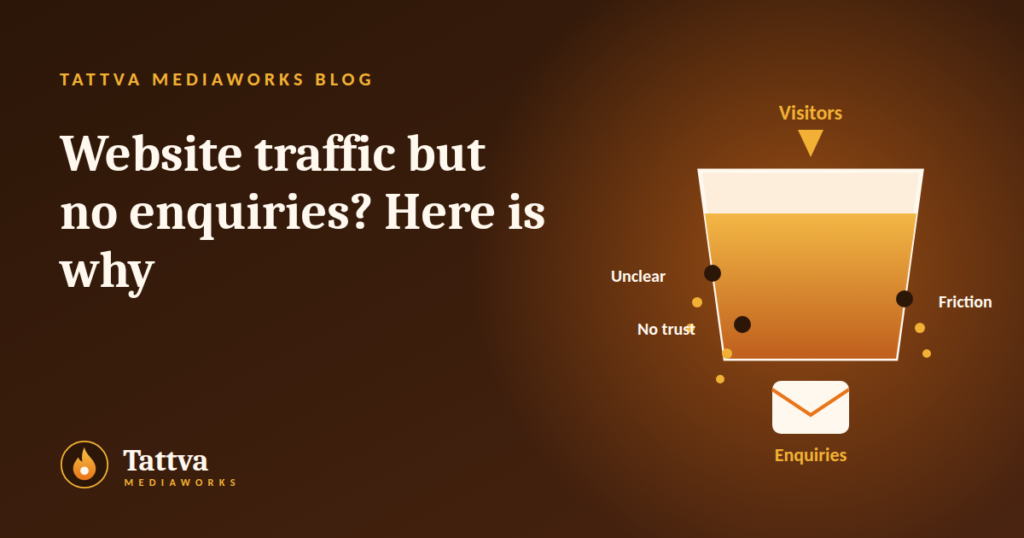
You open your analytics and see visitors. You check your inbox and find almost nothing. It is one of the most frustrating problems in marketing, and one of the most common.
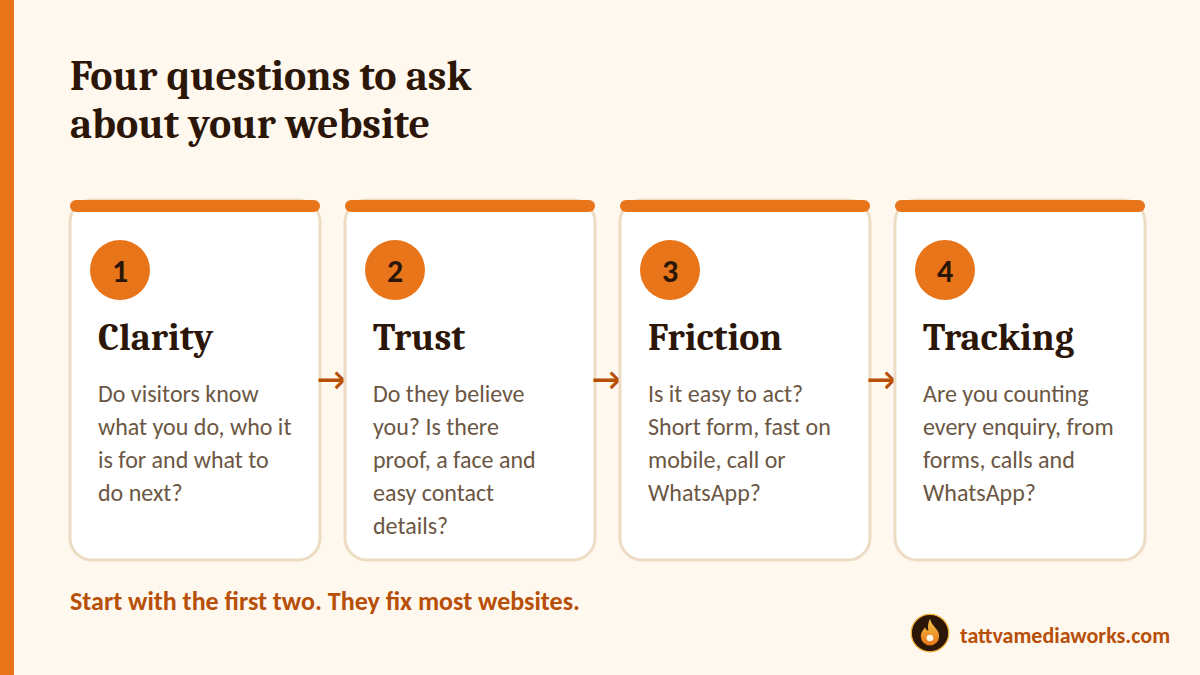
The good news is that “traffic but no enquiries” is rarely a traffic problem. It is usually one of four things: your site is unclear, it doesn’t feel trustworthy, it is hard to act on, or enquiries are arriving and you are not seeing them. This article helps you find out which one in about thirty minutes.
First, check that the traffic is the right traffic
Before you change the website, look at where visitors come from. Open Google Analytics and look at your top traffic sources and your top pages.
- Are people finding you through searches that match what you sell?
- Are ads or posts sending people who are really your customers, or just curious visitors?
- Are most visitors landing on pages that have a clear next step?
If the traffic comes from the wrong place, no website improvement will turn it into enquiries. Fix the audience first.
1. Clarity: do visitors know what you do?
Visitors decide within seconds whether they are in the right place. The first screen of your homepage and each landing page should answer three questions:
- What do you do?
- Who is it for?
- What should I do next?
Try the 10-second test. Show your homepage to a stranger for ten seconds, then ask them those three questions. If they can’t answer, your visitors can’t either. Clear wording beats clever wording every time.
2. Trust: do they believe you?
People are cautious about contacting a business they don’t know. Look for gaps in proof:
- Reviews, testimonials or results, placed close to the button
- A real “About” page with the people behind the business
- A visible address, phone number, WhatsApp or email
- Privacy and terms pages, and a secure (https) website
- Real photos, not only stock images
If you are new and have few reviews, be honest about it. Share what you do offer: a clear process, senior attention and a way to try you out with low risk. Never invent proof.
3. Friction: is it easy to act?
Every extra step is a reason to leave. Check these on your own phone:
- Forms: ask only for what you need. Name, phone and a short message is often enough
- Contact options: add click-to-call and a WhatsApp button, so people can choose how to reach you
- Speed: slow pages lose visitors before they read a word
- Pop-ups and banners: make sure nothing covers the button on a small screen
- One main action: too many buttons make people do nothing
If you are not ready for a big step, offer a smaller one: a free checklist, a short audit or a quick call. Many people will take a small step who would never fill in a long enquiry form.
4. Tracking: are you actually seeing every enquiry?
Sometimes the problem is not a lack of enquiries but a lack of visibility. Enquiries can go missing when a form breaks, an email lands in spam, or calls and WhatsApp clicks are not recorded.
- Test your own form from a phone and a computer, and confirm the message arrives in your inbox
- Check your spam folder for enquiry emails
- Record calls and WhatsApp clicks as events in Google Analytics, not only form submissions
- Compare the number of enquiries you remember receiving with what your analytics shows
Our analytics and conversion optimisation service helps businesses find and fix gaps like these.
A 30-minute diagnosis
- Minutes 1 to 5: Open your site on your phone and try to find what you do and how to contact you
- Minutes 6 to 10: Run the 10-second test with someone who doesn’t know your business
- Minutes 11 to 15: Submit your own enquiry form and check that it arrives
- Minutes 16 to 25: In Google Analytics, look at your top three pages and your top traffic sources
- Minutes 26 to 30: Write down the single biggest problem and fix it first
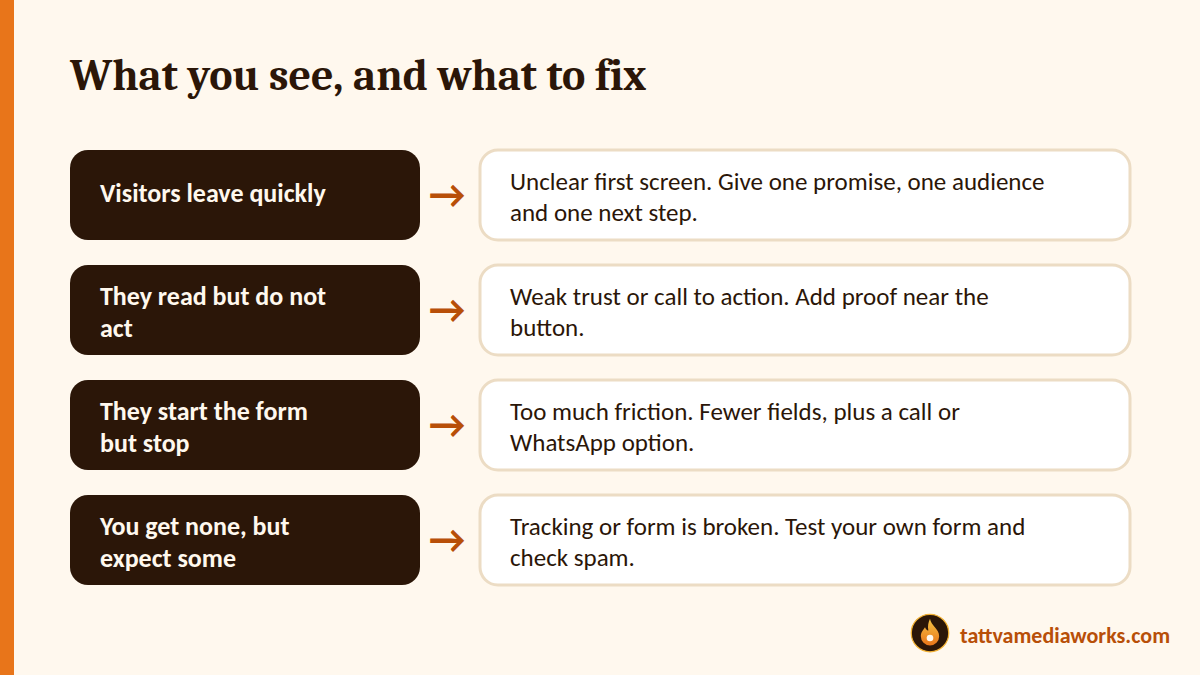
What you see, and what it usually means
| What you see | Likely cause | First fix |
|---|---|---|
| Visitors leave quickly | Unclear first screen, or the wrong audience | One promise, one audience, one next step |
| They read but don’t act | Weak trust or a weak call to action | Add proof near the button |
| They start the form but stop | Too much friction | Fewer fields, plus a call or WhatsApp option |
| You get none but expect some | Tracking or the form is broken | Test your own form and check spam |
Quick checklist
- The first screen says what we do, who it is for and what to do next
- Proof appears close to every main button
- Contact details are easy to find on every page
- The form is short and tested
- Click-to-call and WhatsApp buttons work on mobile
- Pages load quickly on a phone
- Calls, forms and WhatsApp clicks are all tracked
- Traffic sources match the customers we want
Want a second pair of eyes?
At Tattva MediaWorks, we review websites for clarity, trust, friction and tracking, and send back the biggest opportunities in plain language. If you would like that for your own site, ask for a free growth audit, or read about our website development service.